
Imagine a customer sends this: “This is the third time I’ve called. Nobody has gotten back to me. I want my money back.”
An AI assistant reads it, finds the account, and produces a polished apology. It sounds calm. It sounds helpful. It also promises a full refund and a free replacement.
One small problem: nobody authorized either of those things.
This is a hypothetical example, but it gets to the question I want business owners asking before they turn on an automation: What, exactly, are we giving this thing permission to do?
I’m interested in AI that takes work off people’s plates. That includes gathering information, organizing requests, and helping someone respond well. But drafting a promise and making a promise are separate responsibilities.
Give AI a job description
If you hired someone to help in the office, you would explain what they could handle, what needed approval, and when to come get you. I’d apply the same discipline to an AI workflow.
“Help with customer service” is too vague. Try this: read incoming requests, suggest a category, find the related customer record, and draft a response. Require approval before offering a refund, changing a price, or committing to work.
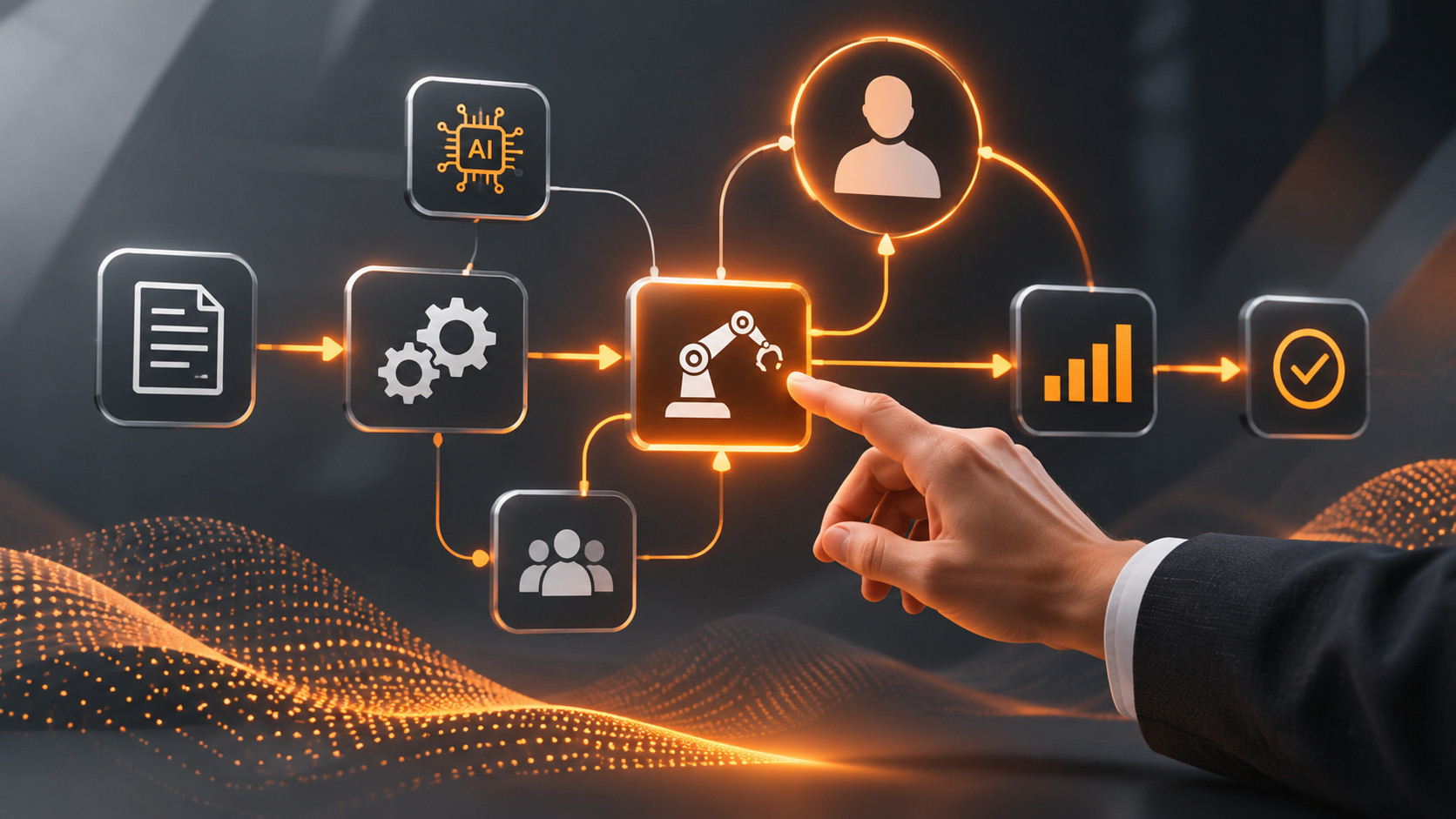
That is what people mean by keeping a human in the loop: a person reviews the proposed action at a defined point before it happens.
You don’t need a person approving every internal tag or routine reminder forever. You do need to distinguish a routine task from a decision that spends money, changes someone’s access, or makes a commitment in your company’s name.
Follow the angry customer’s message
Go back to the customer asking for a refund. A useful system could put their message, previous calls, service history, and relevant policy in front of the right employee. It could draft a reply and flag anything missing.
The employee might discover that a return visit was promised but never scheduled. Or that the customer has the wrong company. Or that the records don’t explain what happened at all.
Those details change the response. A good draft helps the employee work through them. A confident answer built on missing information can make the situation worse.
Give the reviewer the actual message that would be sent, the records supporting it, and any proposed commitment. Let them edit, reject, or ask for more information. The system should send only the approved version and record what happened.
The customer shouldn’t have to explain everything again when they call tomorrow.
An approval button isn’t enough
If the screen says “AI recommends a refund. Approve?” but doesn’t show the amount, the reason, or the customer history, you haven’t given the reviewer enough to make a decision.
And if reviewing the suggestion requires opening five systems, employees may start clicking through just to get on with their day.
Make it easy for the employee to check the facts and decide what to do. Put the customer’s history beside the draft response. Assign the decision to someone who can actually approve it, and make sure another person covers for them when they’re out.
Then enforce the boundary in the system’s permissions. A written instruction saying “ask first” isn’t the same as a workflow that cannot send or change a record until an authorized person approves it.
Also decide what happens when nobody answers. A complaint sitting in an unmonitored approval queue is still a complaint nobody answered.
Keep the human part of business development
Here’s another place I care about this: following up with people.
AI can pull together meeting notes, find a relevant detail, and help draft a useful message. That’s valuable when the alternative is staring at your inbox and typing “just checking in” for the fourth time.
Suppose your notes say a prospect wanted to revisit a project after their busy season. A useful draft could reference that timing and offer a specific next step. Before sending it, I’d check that the timing is right, the details are accurate, and the message sounds like something I would actually say.
I’d also want to know whether someone else on the team spoke with them yesterday. A perfectly written follow-up can still be the wrong follow-up.
Use the preparation time AI saves to pay better attention to the person. Sending more messages isn’t much of an accomplishment if they make people feel less understood.
Start with one task and see what really happens
Choose one specific task, such as drafting responses to routine appointment requests. Start with drafts only. Compare them with what your staff would actually send.
Use messy examples: missing dates, conflicting records, duplicate names, an irritated customer, and a request the business can’t fulfill. Check whether the system flags uncertainty or fills in the blanks with something that merely sounds plausible.
Limit access to the information needed for that task, and verify how the tool handles that information before connecting customer records. When you assess a vendor, ask them to demonstrate the approval and access controls rather than simply describe them.
As the workflow proves reliable, consider allowing a narrow set of routine actions, such as sending a fixed confirmation from verified booking details. Keep exceptions visible, retain a record of actions, and make it easy to pause the automation.
Measure the whole job. If a draft saves three minutes of typing but takes four minutes to check and repair, you haven’t saved time. Track corrections, waiting time, missed requests, and the customer’s experience alongside speed.
Who should hit send?
For the customer asking for a refund, a person should. Someone needs to find out what went wrong, decide what the company will do about it, and make a promise the team can keep.
AI can save that person from digging through emails and starting the reply from scratch. It can put the details in front of them so they can spend their time resolving the problem. That’s useful. Giving it permission to invent a refund policy is a different proposition.
Before you automate a task, answer three questions: What can the system do on its own? What needs someone’s approval? Who takes over when something goes wrong? If your team can’t answer those, the setup needs more work.
Then test it against the kind of day your business actually has. The customer who changes their mind. The employee who’s out sick. The record with half the information missing. See whether it helps your team handle those situations or leaves them cleaning up after it.
The customer who called three times doesn’t care how quickly your AI can write an apology. They want someone to understand the problem and follow through. Use the technology to help your people do that.
Have a task you want to take off your plate?
Tell me what’s eating up your team’s time and what you’d like to work better. We can use a free discovery call to discuss whether automation makes sense and where a person should stay involved.